The driver app, in any phone browser
44 s, no sound
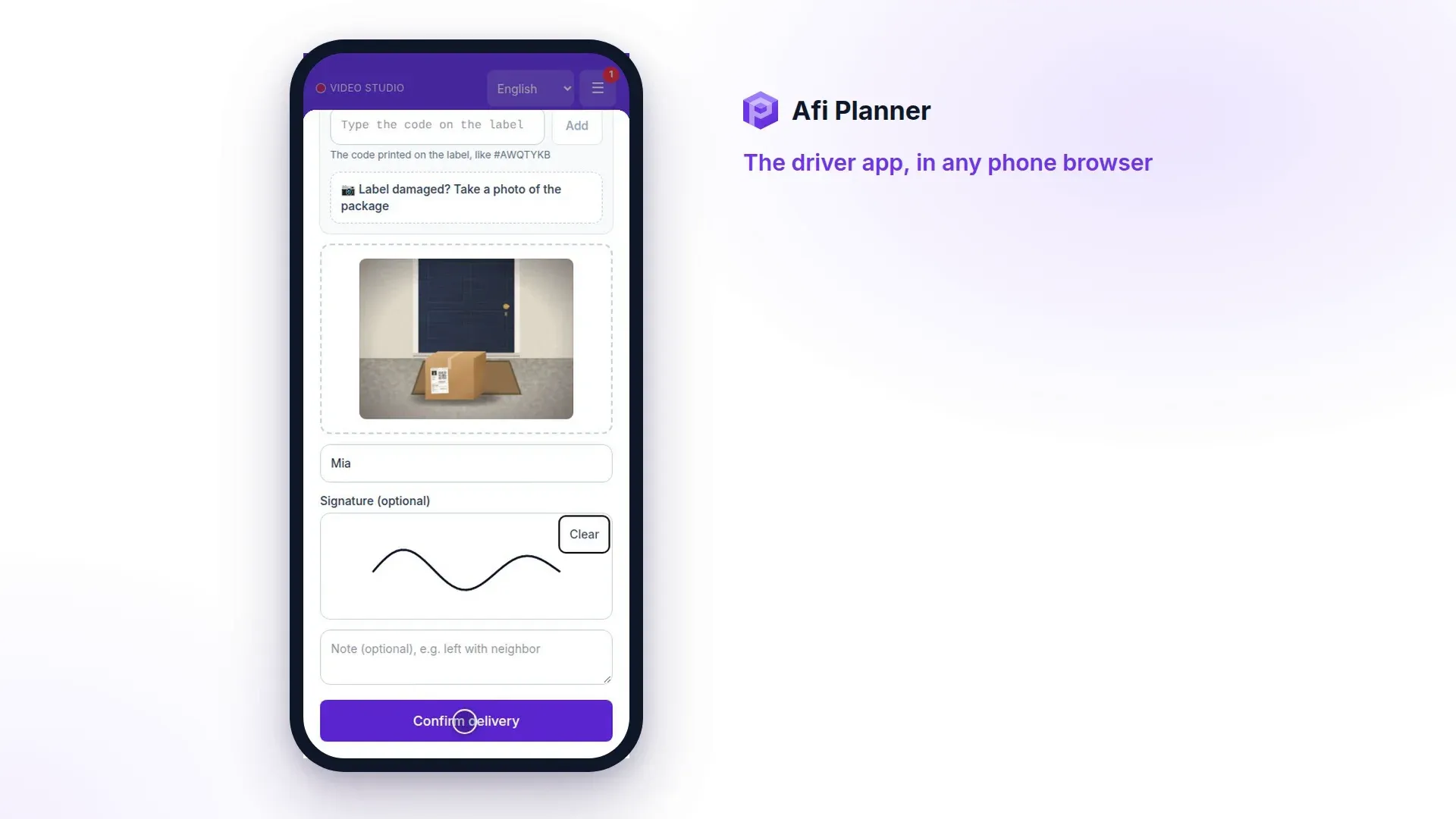
The driver opens the route from a link, captures proof at the door, or reports why a delivery failed.
What this video shows
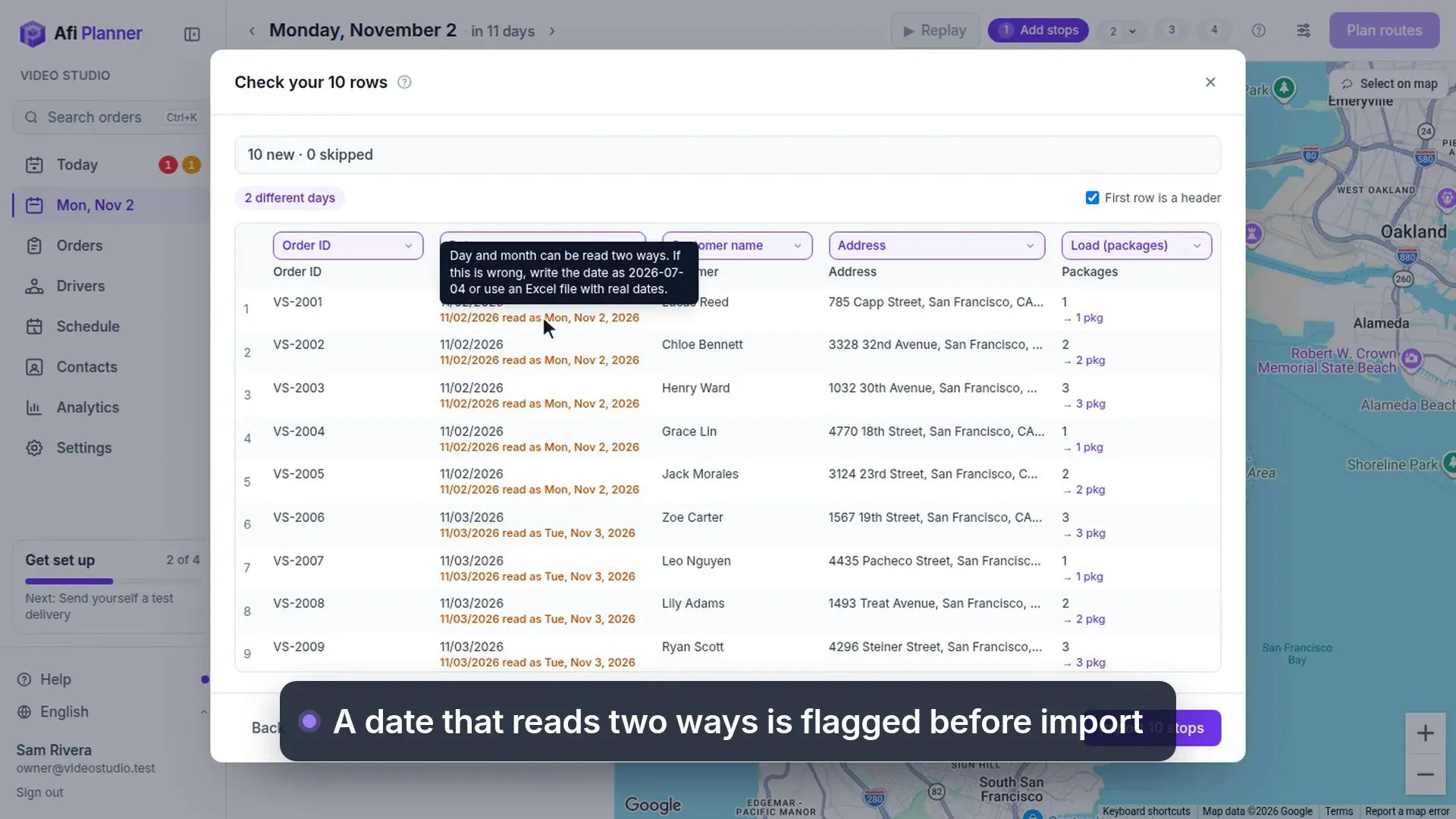
- Now, the driver's side.
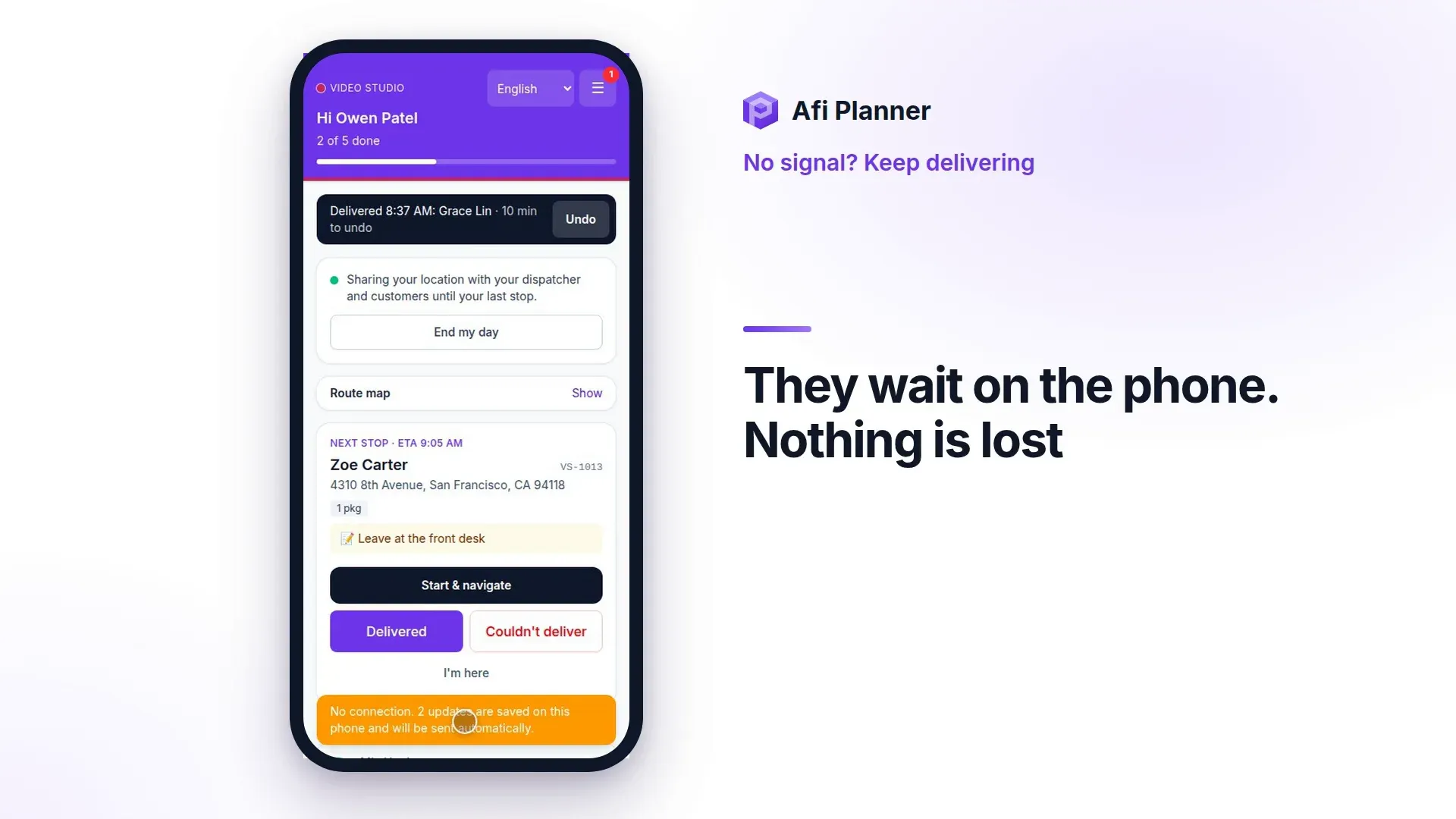
- The route opens from a link.
- One tap starts the day.
- At the door, the driver captures proof: a photo, who received it, and a signature. Then confirms the delivery.
- Can't deliver? Pick a reason and add a note. The office sees it right away, in Needs attention.
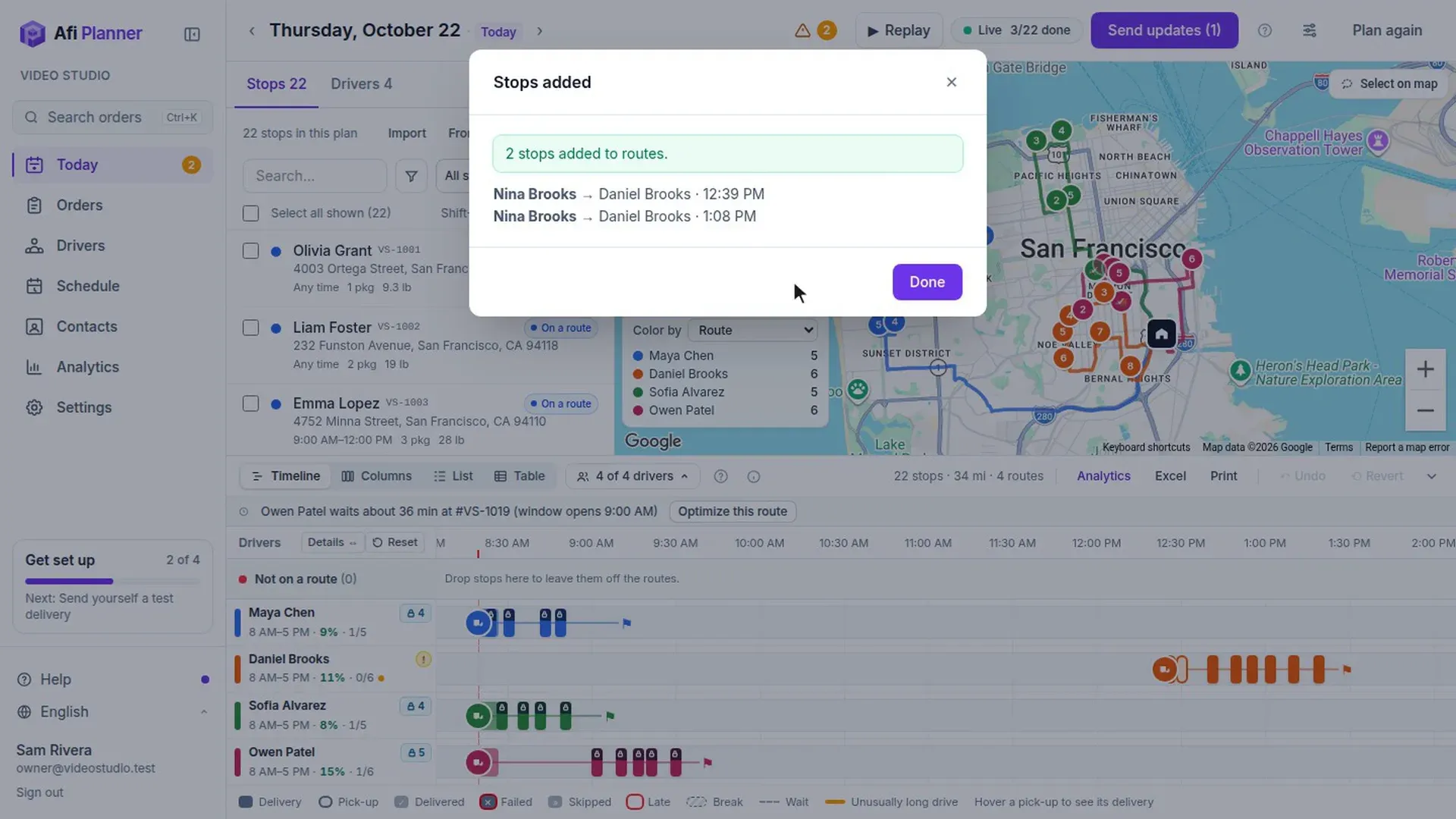
- Then straight on to the next stop.